
45% Reduction
in Onboarding Drop-Off:
Booking Platform MVP Design
Redesigned the onboarding experience through usability testing and funnel analysis, helping merchants complete setup faster and with greater clarity

Overview
QuickRoom is an all-in-one reservation platform that empowers businesses to manage space, service, and event booking with ease.
As the sole designer, I helped bring this platform to life from 0 to 1. It’s been the most intense and rewarding growth experience in my design career.
Team & Timeline
1 Front-end Engineer, 1 Back-end Engineer
2024.06 - 2024.11
My role & contributions
Product Designer :
Product & User Research
UI Design
Usability Testing
QA Testing
Key Results
5 mo
Launched the MYP in 5 months
Transforming QuickRoom from an idea into a functional product ready for real users.
45% ↓
Reduced onboarding confusion
Introducing a guided onboarding flow, clarifying first-time setup and reducing early user confusion.
50% ↑
Increased calendar connection rate
Integrating Google Calendar sync, making schedule management faster and easier for users.
PROBLEM
With limited resources and no defined product foundation, QuickRoom needed to launch its first MVP to validate the market
At the time, the product lacked clear user flows, feature priorities, and documented requirements, making it difficult to align product and development decisions.
DESIGN FLOW
To move quickly under tight timelines, we followed a lean MVP workflow focused on rapid research, fast execution, and continuous iteration.

PRODUCT PLANNING
Understanding business goals, product scope, and market references
As an early-stage MVP project, the initial direction was shaped by stakeholder requirements, business goals, and reference analysis of existing booking platforms. Since formal user research was limited at this stage, I focused on understanding the product scope, identifying common booking patterns, and translating business needs into a clear design direction.
Project Inputs
A lightweight discovery process helped frame the initial product direction.
What Needed to Be Defined
STRATEGY
Defining the MVP direction based on business needs and target users
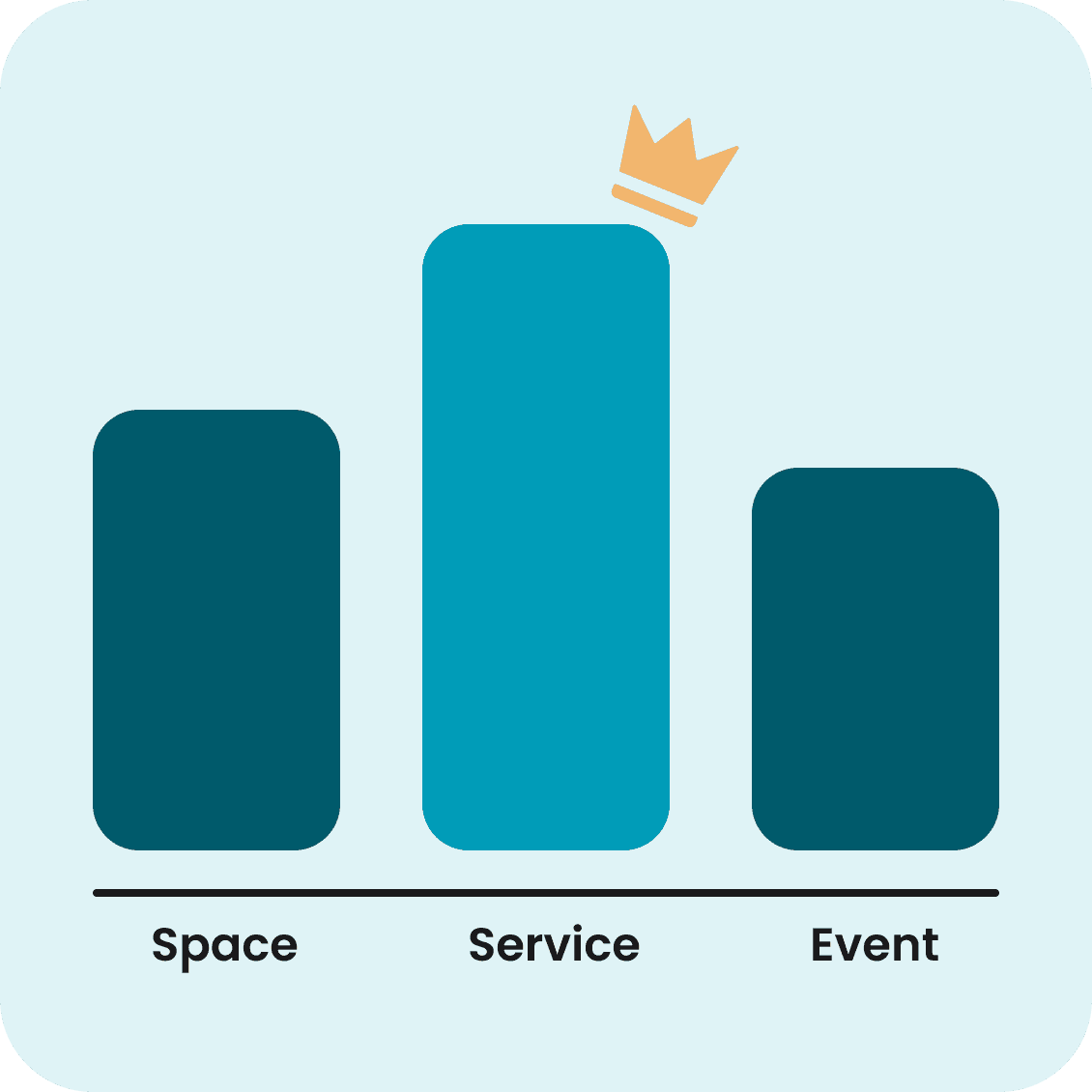
QuickRoom was positioned as an all-in-one booking platform combining space, service, and event reservations. Since most early users came from the beauty industry, the MVP prioritized the service booking module, while space and event features remained more lightweight for the initial launch.
DESIGN
Translating core product functions into UI flows
Started with simple wireframes to define the core product structure, then evolved them into high-fidelity UI designs for development.


USABILITY TEST
Understanding how users experience the MVP in real scenarios
Once the MVP launched, we conducted face-to-face usability testing to observe user behavior and validate whether users could complete the core onboarding and service setup flow.
The initial flow :

KEY INSIGHT 1
Helping users understand where to start
During usability testing, we found that users often stopped after entering the dashboard because they didn’t know how to add their first booking module or what to do next.

DESIGN REVISION
Guiding users with onboarding
We introduced a guided onboarding flow to help users complete setup more smoothly. Users were guided through selecting their user type, choosing a booking module, and completing setup step by step. Once completed, users could directly create their booking website.

IMPACTS
45% ↓
Reduction in Early Onboarding Drop-off
50% ↑
Faster Setup Completion
KEY INSIGHT 2
Supporting users’ existing scheduling habits

DESIGN REVISION
Reducing repeated work through calendar integration
We integrated Google Calendar to automatically sync bookings from QuickRoom, allowing users to manage appointments in one place without repeated setup.

IMPACTS
50% ↑
Google Calendar Connection Rate
KEY INSIGHT 3
Improving feature organization as the product grows
As more features were introduced, the top navigation could no longer organize functions effectively. Secondary features became grouped under the More menu, making the structure harder to understand and increasing the time users spent exploring the interface.

DESIGN REVISION
Creating a clearer structure with side navigation
We redesigned the navigation from a top bar to a left-side menu and reorganized related functions into clearer categories. This created a more structured experience and made features easier to navigate.

IMPACTS
Clearer Feature Organization
Related features were grouped into
a more structured layout.
Faster Navigation Experience
Users spent less time exploring
and reached tasks more quickly.
Lesson Learned
Be comfortable with uncertainty
Starting without documentation or clear direction taught me that clarity doesn’t always come first.
By asking questions, testing ideas, and moving step by step, I learned how to turn uncertainty into progress.
Design is about teamwork.
Working closely with engineers and users showed me that good decisions come from continuous feedback and open communication.
Collaboration helped us move faster and build with more confidence.
